DreamFace

Language

En
    Language
  • English
  • Português
  • 简体中文
  • 繁體中文
  • 日本語
  • Español
  • Bahasa Indonesia
  • ไทย
  • Tiếng Việt
  • हिन्दी
  • Русский
  • Italiano
  • 한국어
  • मराठी
  • Nederlands
  • Norsk
  • ਪੰਜਾਬੀ
  • Polski
  • Dansk
  • Suomi
  • Français
  • Deutsch
  • Svenska
  • Kiswahili
  • తెలుగు
  • Türkçe
  • বাংলা
  • اردو
  • العربية
  • فارسی
  • Ελληνικά
Start Now
Chrome Store
4.9

Chrome Store

20,000,000+

Global Users

Apple Store
4.9

Apple Store

Trusted by Leading Institutions Worldwide

How to Create an AI Storyboard Online

step 1

Break Your Script into Scenes

Start with a script or outline split into individual scenes or shots you want to plan.

step 2

Pick an AI Presenter for Each Scene

Choose a presenter, framing, and pacing to preview how each scene might look before filming.

step 3

Generate, Reorder, and Share

Create the storyboard sequence, reorder or revise scenes, then share the plan with a crew or editor.

AI Storyboard Generator Features

AI Storyboard Generator

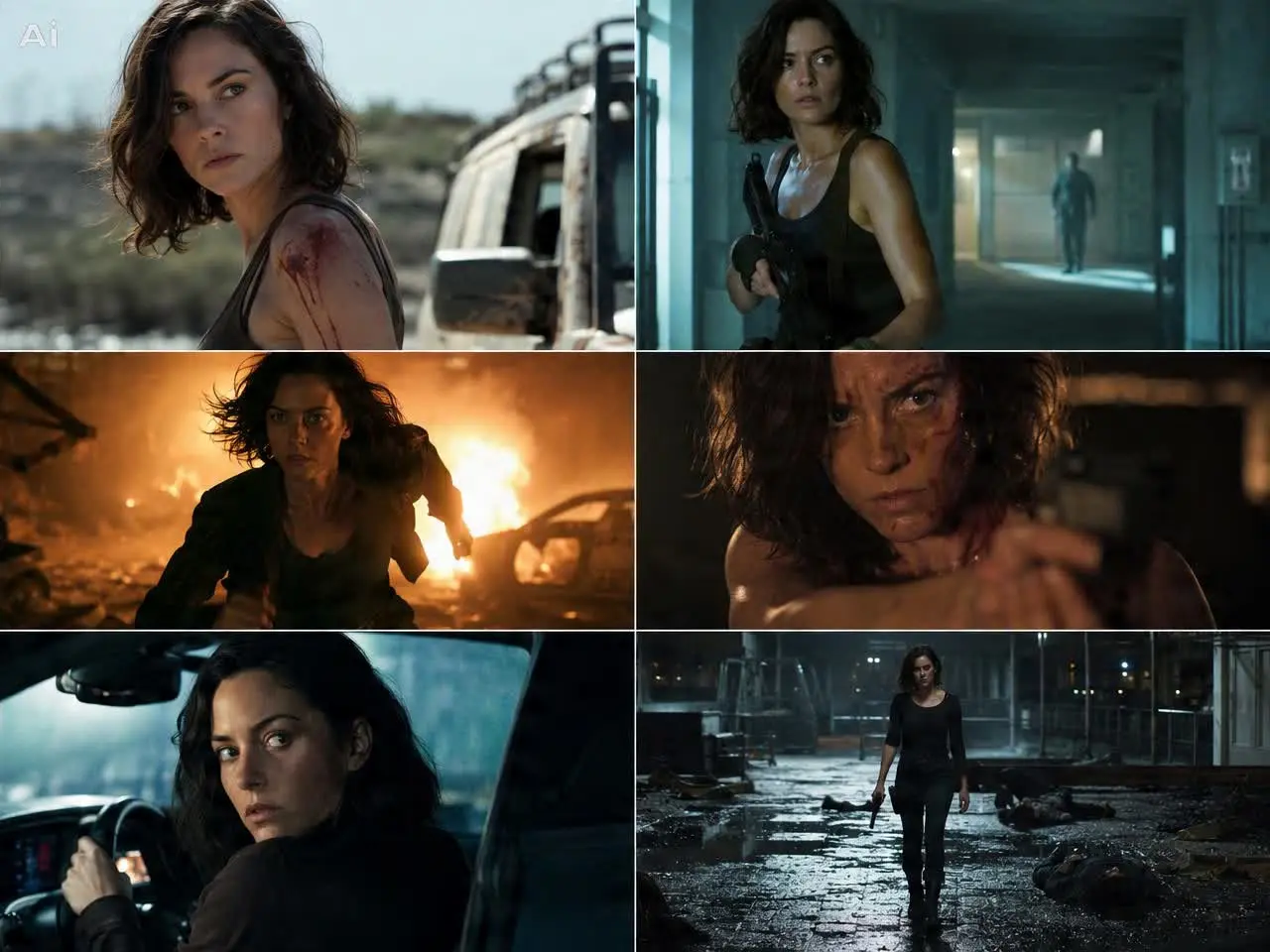
Turn a script, scene outline, or shot list into a sequence of previsualized frames with an AI presenter standing in for each scene.
AI Storyboard Generator

Script to Storyboard AI

Paste a script broken into scenes and let DreamFace draft a shot-by-shot sequence you can review before full production.
Script to Storyboard AI

AI Presenter for Scene Previews

See how a scene might play out with an AI avatar presenter marking blocking, framing, and pacing ahead of the final shoot.
AI Presenter for Scene Previews

Shot List and Scene Notes

Keep scene order, framing notes, and pacing attached to each storyboard frame so a crew or editor can follow the plan.
Shot List and Scene Notes

Frequently Asked Questions

Why Use DreamFace for AI Storyboards?

Script to Storyboard Workflow

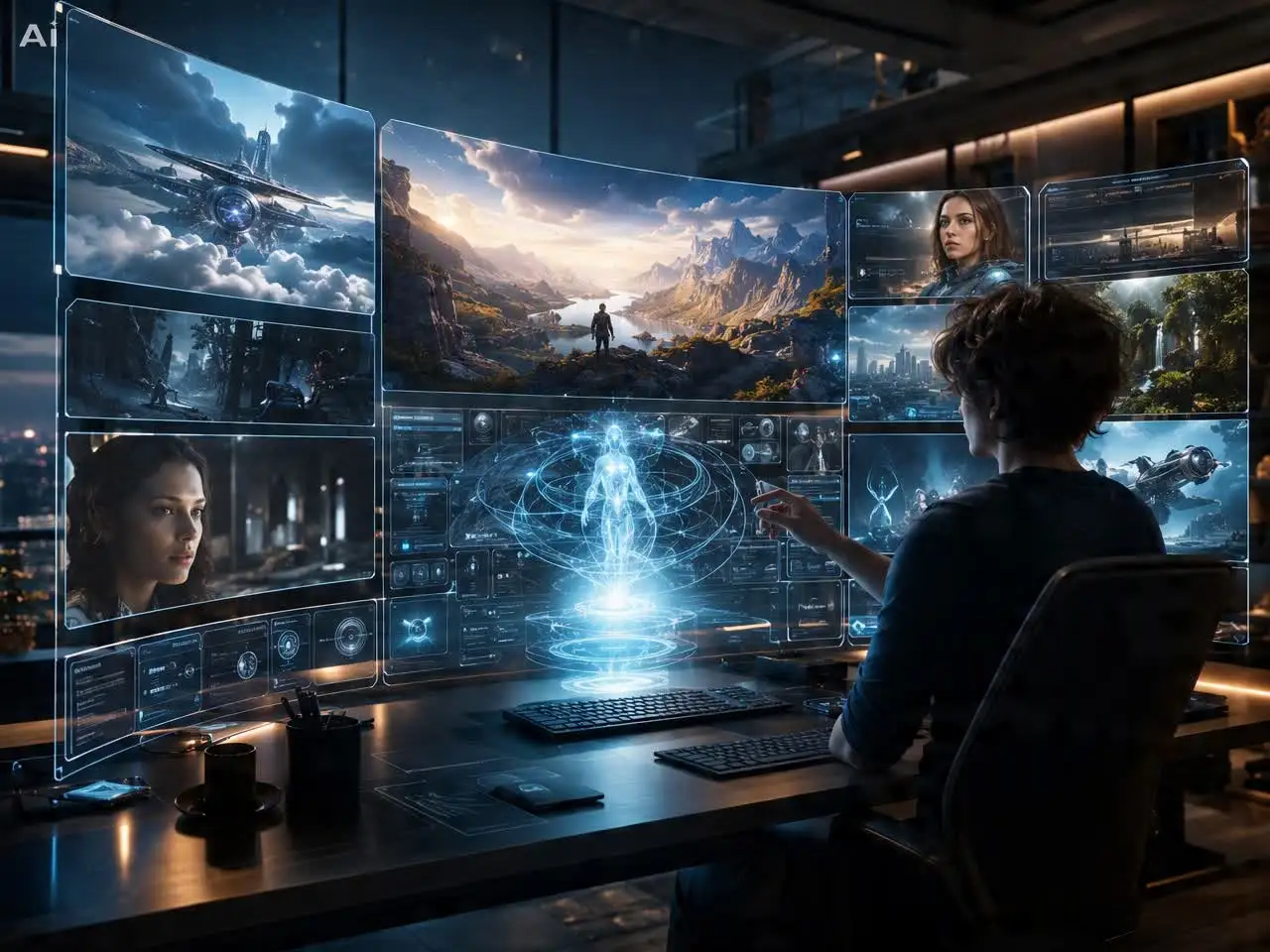
DreamFace turns a script or scene outline into a sequence of AI presenter previews built to plan a shoot before production starts.

Scene-by-Scene Framing

Preview pacing, framing, and presenter blocking for each scene separately so changes are easy to spot before filming.

Reorder and Revise Scenes

Adjust scene order, wording, or pacing in the storyboard draft without reworking a finished video.

No Whiteboard or Sketch Artist Needed

Skip hand-drawn sketches or a storyboard artist for early previz. Write the scene list, generate, and share the sequence with a team.

More Valuable Features from Dreamface

AI Video Generator
Create AI product videos, ad clips, launch teasers, ecommerce demos, and social product content from prompts, images, or templates.
AI Video
Use DreamFace AI Video to turn static product images or text into lifelike video animations with templates, references, and start or end frames.
Video Enhancer
Enhance product clips with AI upscaling, sharper details, better color, and higher-resolution output before publishing ads or ecommerce videos.
Background Remover
Remove product photo backgrounds and prepare clean cutouts for product video scenes, ads, marketplace clips, and branded social promos.

They Love Dreamface

Caught Pacing Issues Early

Seeing the scenes in sequence before filming helped me cut two shots that were not adding anything.

Useful for Client Approval

I shared a draft storyboard with a client before production instead of describing scenes over email.

No Sketch Artist Needed

I used to rough out scenes by hand; this gave me a clearer preview without the drawing.

Easy to Reorder Scenes

I moved two scenes around after seeing the sequence play out, which was quick to do before the shoot.

Good Starting Point for a Crew

The storyboard gave our small crew a shared reference instead of just a script.

Faster Pre-Production

Planning the shot sequence took an afternoon instead of days of back and forth.

Caught Pacing Issues Early

Seeing the scenes in sequence before filming helped me cut two shots that were not adding anything.

Useful for Client Approval

I shared a draft storyboard with a client before production instead of describing scenes over email.

No Sketch Artist Needed

I used to rough out scenes by hand; this gave me a clearer preview without the drawing.

Easy to Reorder Scenes

I moved two scenes around after seeing the sequence play out, which was quick to do before the shoot.

Good Starting Point for a Crew

The storyboard gave our small crew a shared reference instead of just a script.

Faster Pre-Production

Planning the shot sequence took an afternoon instead of days of back and forth.